We are currently migrating all business roles from IIQ to IDN and we have more than 6000 roles to be migrated. I was wondering is there any API to make all roles requestable in bulk in IDN. I know there is Bulk Importer Tool, however it does not seem very effective as it requires too much information/ excel work to update only one column. Any help would be appreciated. Thanks in advance!
If you have a way to extract IDs for all your roles, you can input them in a CSV file and use it as an input to patch-role | SailPoint Developer Community API in collection runner.
Hi, Thanks for your reply. Do you have an example of this API for multiple roles? Because it seemed to me that you can only update one role at a time with this API.
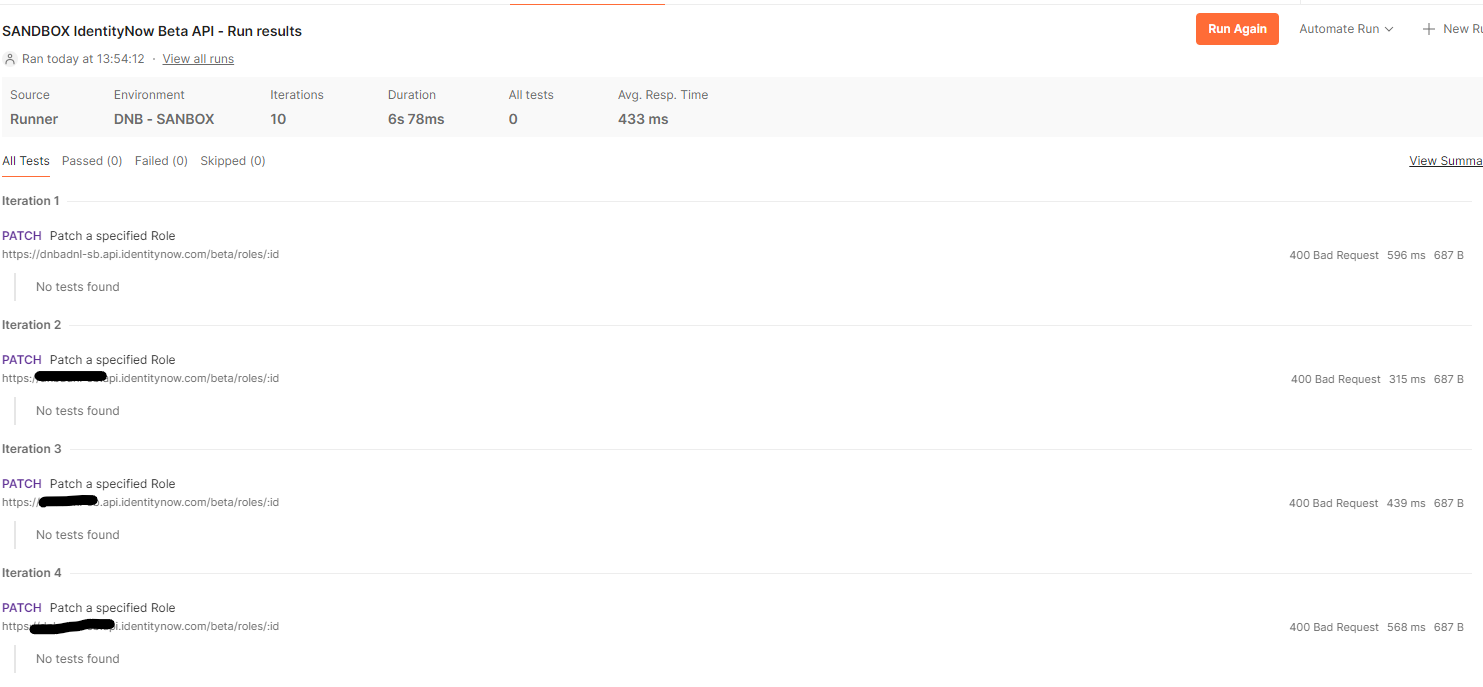
Thanks for suggestion @amahlemohlokonya. Actually, handling this with Postman seems just fine. I only need to know how to pass role ids here. I have a csv imported in the collection level. And I am running the API with configurations below. It gives the following error. What am I missing here?
Hi all, I have one additional question. It gives the following error after updating 800 roles. So, I was wondering how can we increase this client agent usage? Is there a way to increase? Thanks in advance!