Have you or are you able to set an owner on the entitlements that represent the capabilities in the Entitlement Catalog? It sounds like there is no owner when you are going to do the approvals, so the system is defaulting to SPADMIN.
Hi @IslamElkhouly, I just tried the loopback connector now in my env. And it’s working as expected for both workgroups & capabilities, the approval process follows the approval steps in the LCM Provisioning workflow (which is in my case: manager –> owner)
So I’m predicting/thinking that either there is a customization in place for your assignment rule for the approval step, or maybe you are not assigning the correct owner to the capabilities or to the application itself.
Please don’t hesitate to let me know if you need any further assistance (if required)
Thanks a lot! Yes, you’re right — I didn’t have an owner set on the entitlements that represent the capabilities. That’s exactly why the approval was defaulting to spadmin.
I actually forgot to assign the owner for each capability after I ran the aggregation on the loopback application. Because of that, SailPoint took spadmin as the default owner for all capabilities.
Thanks again for pointing me in the right direction!
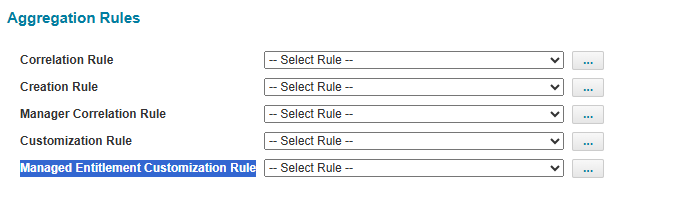
Is there a way to assign the Owner of a capability automatically during aggregation, using a Rule, instead of setting the owner manually in the Entitlement Catalog after aggregation?

 , glad that you resolved it!