Please be sure you’ve read the docs and API specs before asking for help. Also, please be sure you’ve searched the forum for your answer before you create a new topic.
Please consider addressing the following when creating your topic:
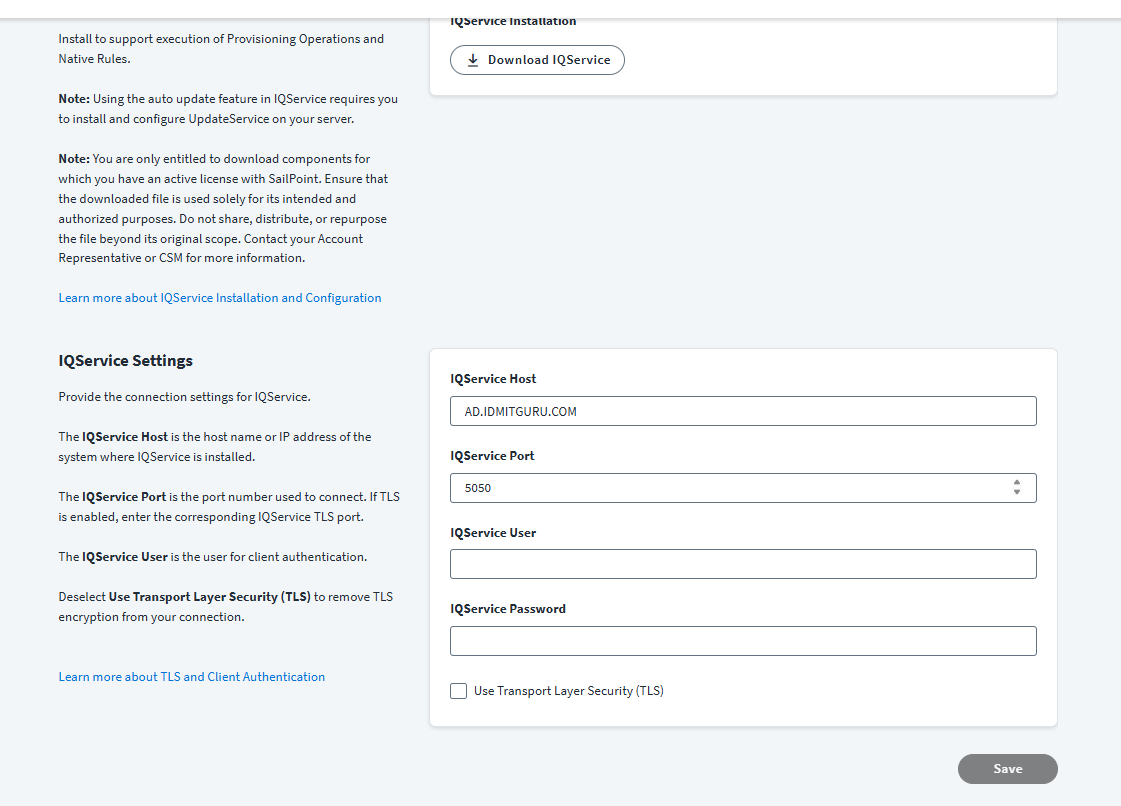
My observations: Test connection went successful but when specified IQ service detailed getting connection delay response.
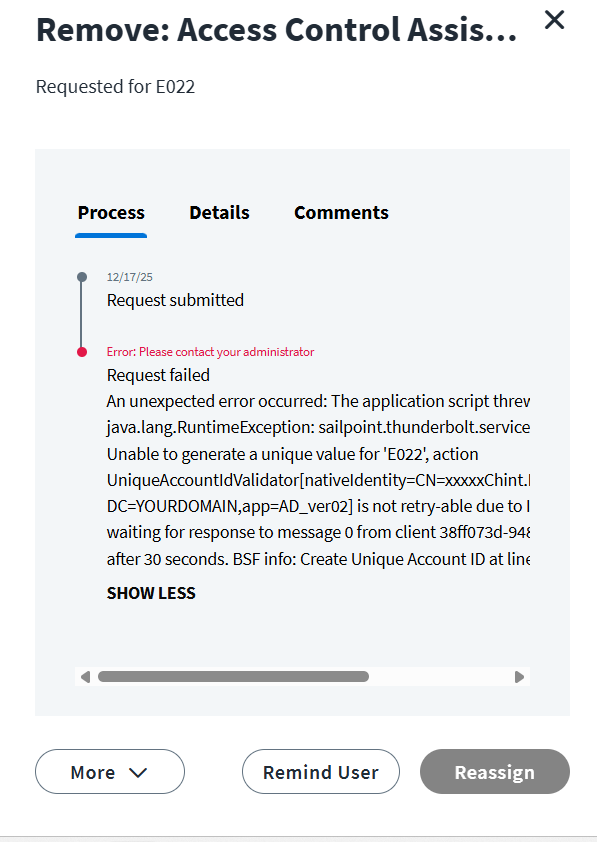
While creating account get below errors.
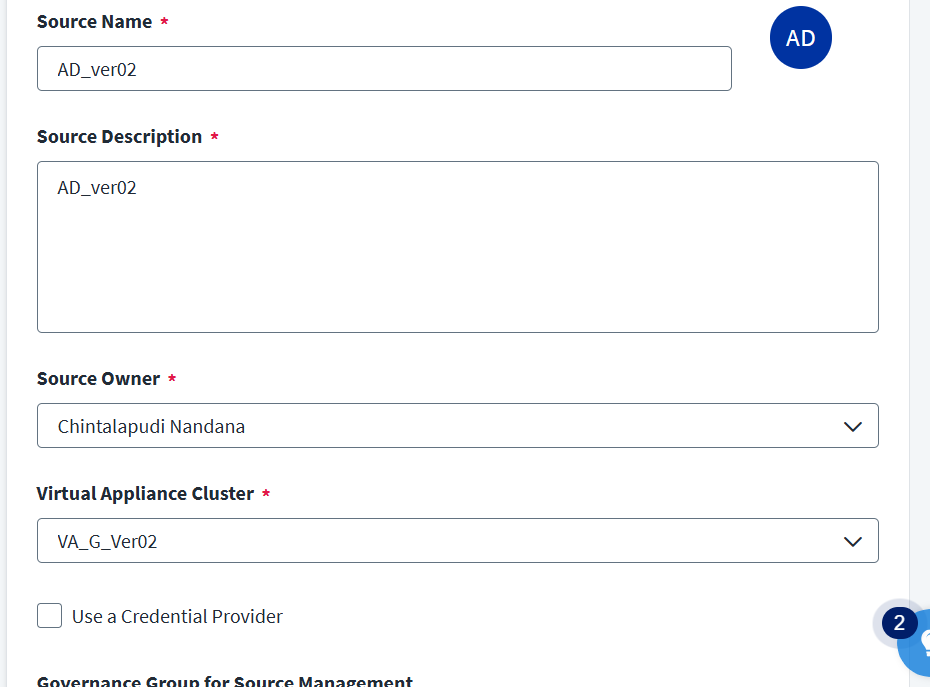
An unexpected error occurred: The application script threw an exception: java.lang.RuntimeException: sailpoint.thunderbolt.service.NotRetryableActionException: Unable to generate a unique value for ‘E022’, action UniqueAccountIdValidator[nativeIdentity=CN=xxxxxChint.Nandana,OU=YOURCONTAINER, DC=YOURDOMAIN,app=AD_ver02] is not retry-able due to InterruptedException: Timeout waiting for response to message 0 from client 38ff073d-9481-454e-82c2-ed785407c811 after 30 seconds. BSF info: Create Unique Account ID at line: 0 column: columnNo
Share the details of your efforts (code / search query, workflow json etc.)?
What is the result you are getting and what were you expecting?
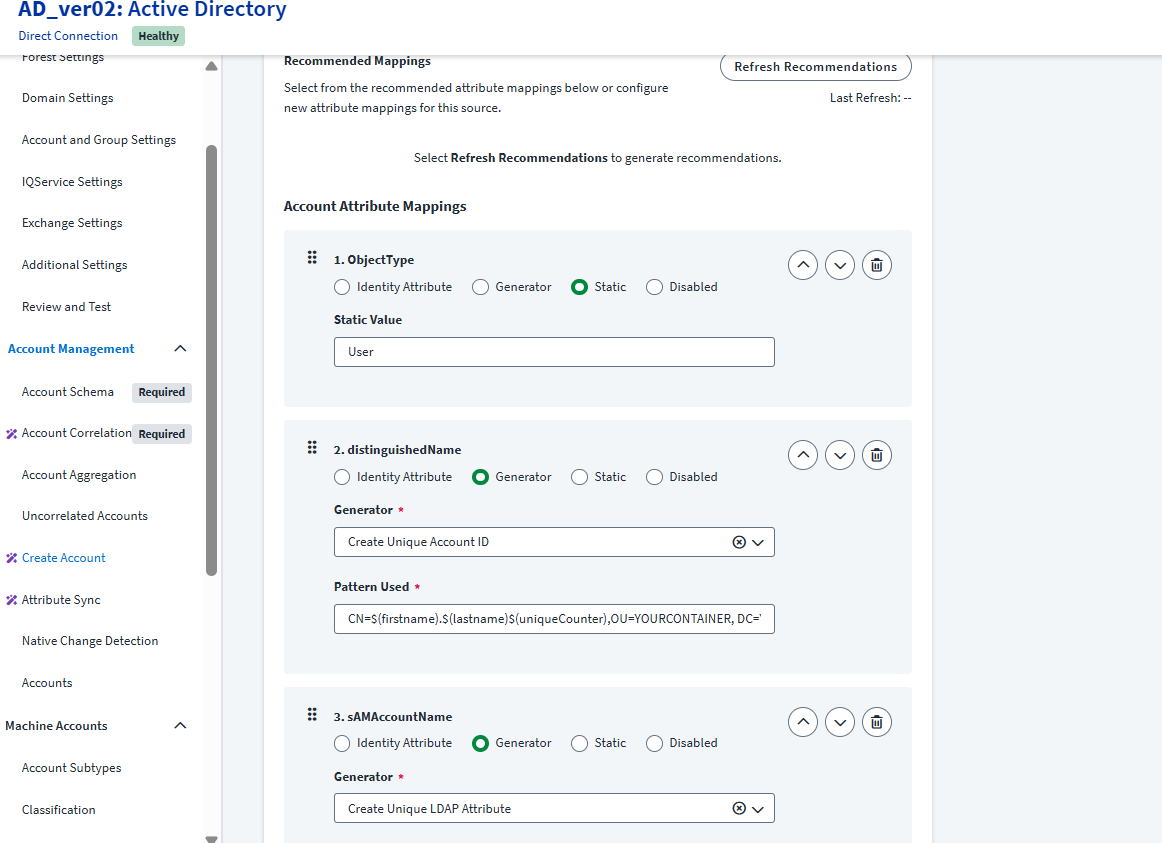
Provided generate script for DN value is not satisfying the uniqueness check. Hence, due to that native identity is not unique. I would say leverage rule or transform for the generation of unique native Identity.
Hi Narayana, Jeremy is right. You haven’t updated the DN generation logic.
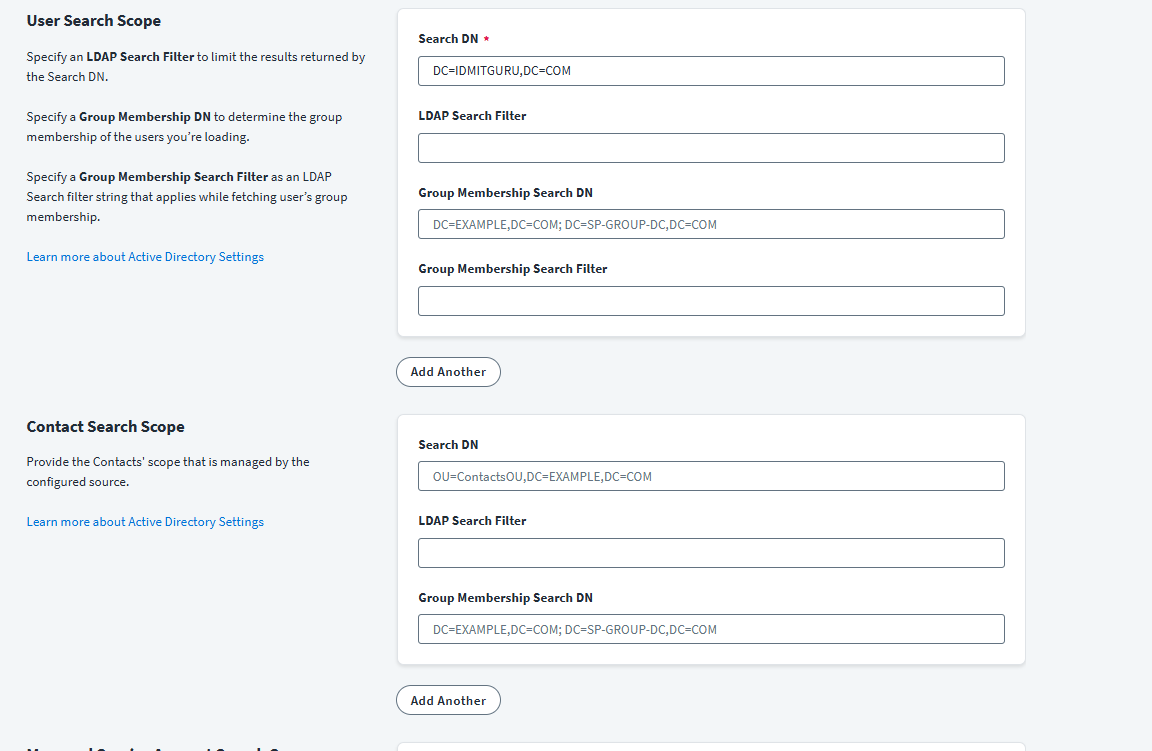
Replace your distinguishedName generation with something similar to CN=$(firstname).$(lastname)$(uniqueCounter),OU=Users,DC=IDMITGURU,DC=com. The platform is currently checking for uniqueness against OU=YOURCONTAINER,DC=YOURDOMAIN which you can’t connect to.
sailpoint.thunderbolt.service.NotRetryableActionException: Unable to generate a unique value for ‘E018’, action LDAPUniqueValueValidator[sAMAccountName=“xxxChris18.Wilson18”,app=AD_ver02] is not retry-able due to InterruptedException:
Hi @narayanag I mean this with all due respect, but this is the Developers Community, not the place to explain how SailPoint and AD work. I suggest you look at the error message and see if you can work it out yourself.
@j_place Thank you for your response. I appreciate you taking the time to comment.
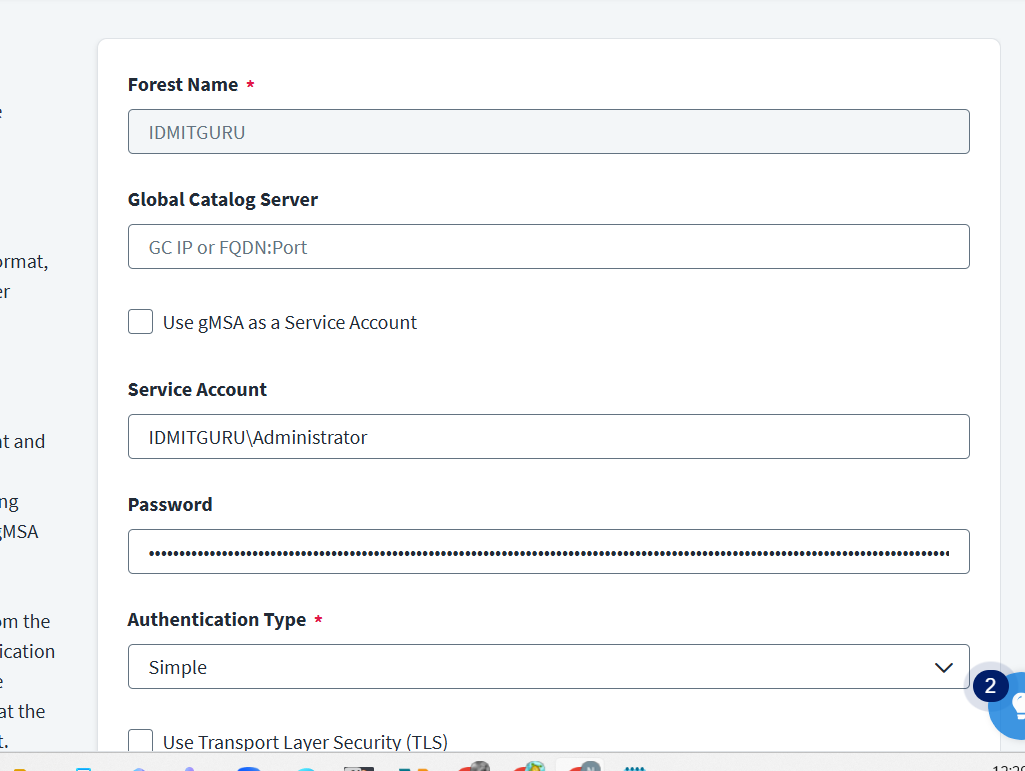
To clarify, I’m not looking for a basic explanation of how SailPoint or Active Directory work—I’m already familiar with the architecture and flow. My intent was to get peer input on interpreting this specific timeout error and any practical troubleshooting insights others may have encountered in similar scenarios.I am attempting to provision from a personal SailPoint tenant to my personal Active Directory environment, which is why I am encountering these new issues. Thank you so much for replying to me.
As the error message states; it is having a problem running the LDAPUniqueValueValidator on sAMAccountName. This is because you have configured sAMAccountName to use the Generate Unique LDAP Attribute Generator. What pattern have you specified for that generator and could it be having a problem generating a unique value?
For reference, this is a Cloud Executed rule and so nothing to do with the IQ Service.
The issue is related to DN (Distinguished Name) value generation for a specific Organizational Unit (OU). Since the configured OU is not the default, the system is unable to establish a connection as expected. Currently, the configured OU is IDMITGURU, whereas the DN value is being generated using OU=YOURCONTAINER, resulting in a mismatch.
I recommend configuring the DN generation to align with the connected OU and then retrying the provisioning process. This should resolve the issue.
Additionally, as this will be the initial instance of SailPoint creating identities in Active Directory, DN generation conflicts are unlikely for at least some users. However, if DN uniqueness issues are encountered in the future, appropriate DN generation or uniqueness rules can be configured to handle those scenarios.
sAMAccountName is also a unique attribute. Based on the error, Christ18.Wilson18 is probably also in use. I can’t see your generator logic, but you have probably hit a conflict because you’ve maxed out the uniqueness check. Increase the uniqueness checks in the backend and make sure that the sAMAccountName isn’t already in use. There are other items too that will have to be unique like UPN, make sure that you’re accommodating those cases.
Before you moving to more complex rules/transform i suggest you to create an account with static values:
For example put your DN as:
CN=Narayana G 10,OU=Users,DC=IDMITGURU,DC=com
userprincipalname: naryanag10@IDMITGURU.com
samAccountname: narayana10
and the others mandatory AD attributes!
And after a successfull creation you can start applying more complex rules/transforms.
Please be sure you’ve read the docs and API specs before asking for help. Also, please be sure you’ve searched the forum for your answer before you create a new topic.