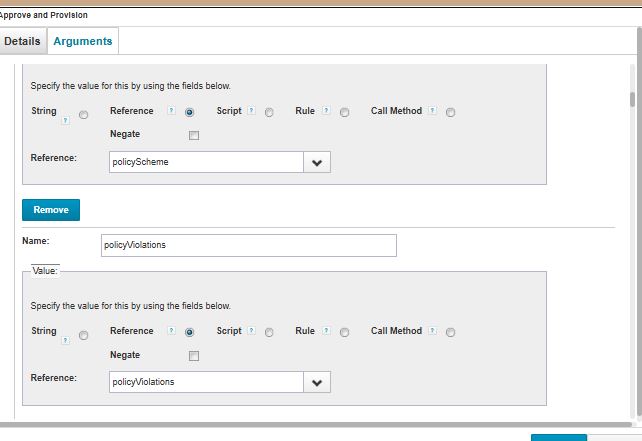
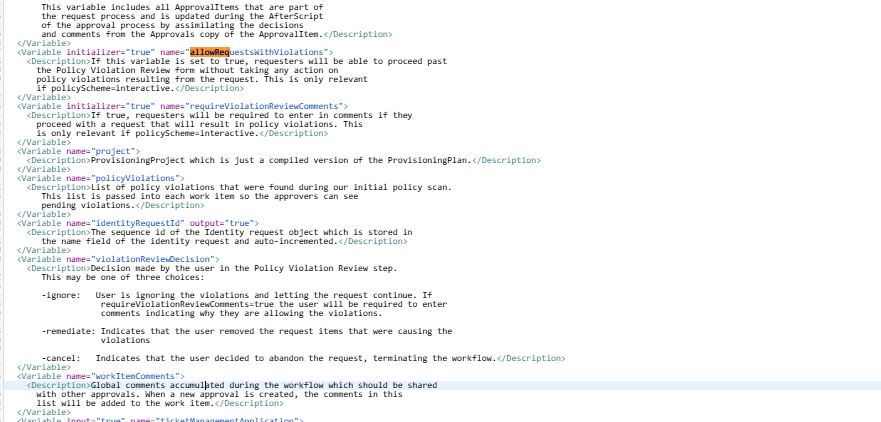
HI Everyone. I created an advanced policy violation such that when a user requests access he should be from a specific AD group so for this i have added one rule which is working fine. But the policy violation is not showing up.
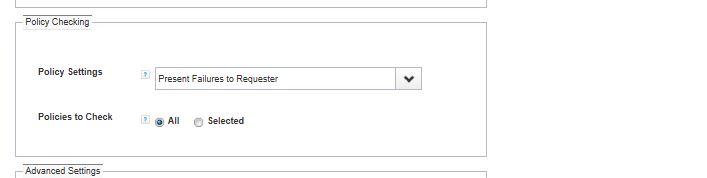
Also i have done settings like changing policy checking in LCM to Present Failures to requester etc. Can anyone please help why this is not putting up in UI?
import sailpoint.object.Identity;

    import sailpoint.object.IdentityEntitlement;

    import sailpoint.object.PolicyViolation;

    import sailpoint.object.Filter;

    import sailpoint.object.QueryOptions;

    String requiredGroup = "CN=AdminStaff,CN=Users,DC=IIQAD,DC=com";

    String identityName = identity.getName();

    boolean foundGroup = false;

    log.error("=== Checking AD group for identity: " + identityName);

    Filter filter = Filter.eq("identity.name", identityName);

    QueryOptions qo = new QueryOptions();

    qo.addFilter(filter);

    Iterator it = context.search(IdentityEntitlement.class, qo);

    while (it.hasNext()) {

        IdentityEntitlement entitlement = (IdentityEntitlement) it.next();

        if ("memberOf".equalsIgnoreCase(entitlement.getName())) {

            Object value = entitlement.getValue();

            log.error("Found entitlement: " + value);

            if (value != null && value.toString().equalsIgnoreCase(requiredGroup)) {

                foundGroup = true;

                break;

            }

        }

    }

    if (!foundGroup) {

        log.error(">>> User is NOT in required AD group. Creating policy violation.");

        PolicyViolation violation = new PolicyViolation();

        violation.setDescription("User is not a member of required AD group: " + requiredGroup);

        violation.setIdentity(identity);

        violation.setStatus(PolicyViolation.Status.Open);

  log.error(">>>Creating policy violation again .");

        violation.setPolicy(policy);

        violation.setConstraint(constraint);

        violation.setActive(true);

        if (identity.getManager() != null) {

            violation.setOwner(identity.getManager());

        } else {

            violation.setOwner(context.getObjectByName(Identity.class, "spadmin"));

        }

        Date now = new Date();

        violation.setName("Missing AD Group - " + now.toString());

        //violation.setId(now.toString());

        return violation;

    }

    log.error(">>> User is compliant. No violation.");

    return null;
i have this rule which is working and its showing in policy violations as image attached below but why its not showing up when i am requesting access ?
The advance policy you’re referring; is to highlight potential user access additions (missing mandatory group access). Conversely, general policies generally address access conflicts, either when new access is added or when it clashes with existing permissions (SOD violation or general access violation). That’s what my understanding, this could be gap or current system behaviors.
Enforcing to add some access groups vs conflict with the newly added access or conflict with existing access.